KFRMAT01 -- KFR Motor with MATTER
Product Description
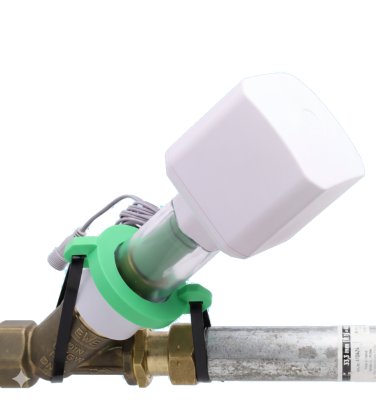
The motor drive for oblique seat valves (KFR valves) enables the retrofitting of existing and already installed shut-off valves into remotely controllable smart devices, without interrupting the water supply or cutting into the water pipe.
The motor is powered by a 12V power adapter and is completely water- and dust-proof (IP67) all the way to the power adapter. An optional battery pack is available for mains-independent power supply.
Various adapter rings and a sophisticated mounting system allow the motor to be used on all modern oblique seat valves from DN15 to DN32. Thanks to an additional water sensor that plugs directly into the device, the motor can be used for leak protection without any additional wireless connection.
Control: Via MATTER protocol -- controllable via Apple HomeKit, Google Home, Amazon Alexa, Samsung SmartThings, and Home Assistant.
Motor Drive Components
| Abbreviation | Component | Illustration |
|---|---|---|
| H | Hand wheel | 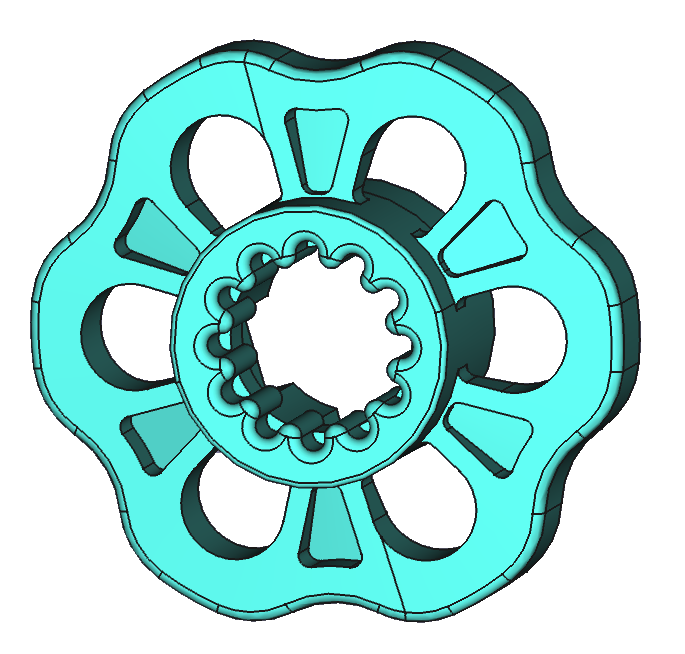 |
| K | Inner coupler | 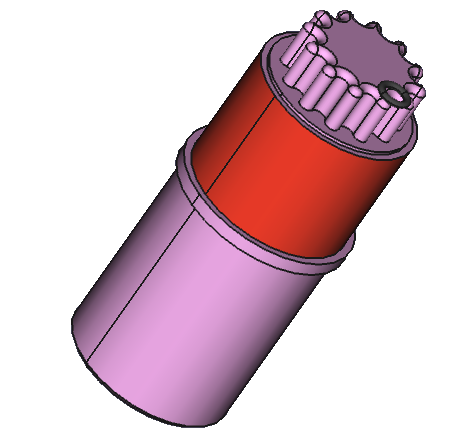 |
| Ax | Adapter rings (A1--A4) | 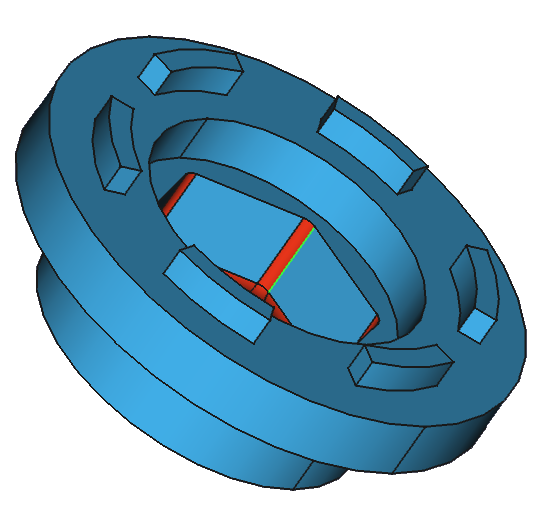 |
| D1, D2 | Spacer rings (12 mm, 24 mm) | 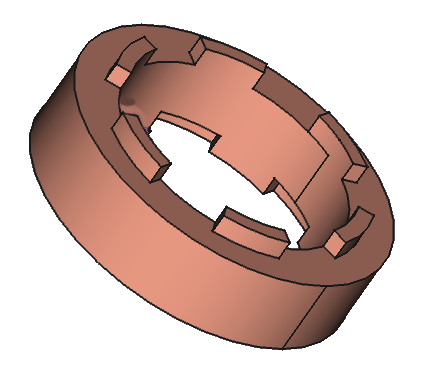 |
| Ws | Ball bearing seat | 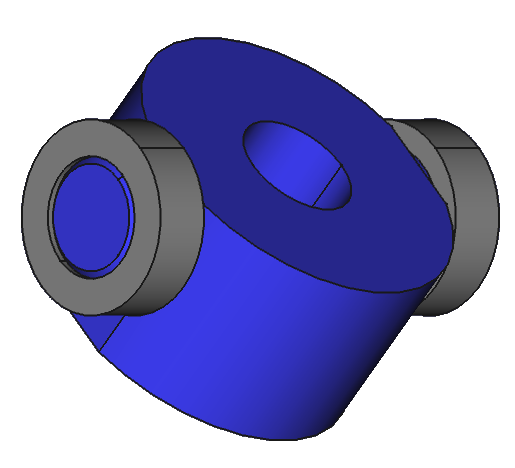 |
| M | Motor with button | 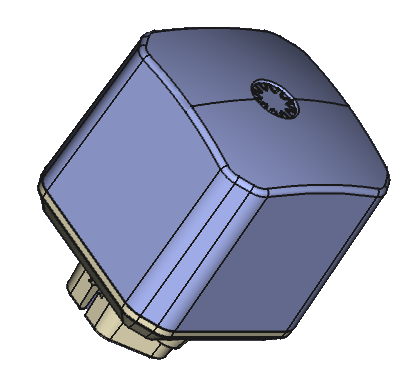 |
| G | Enclosure | 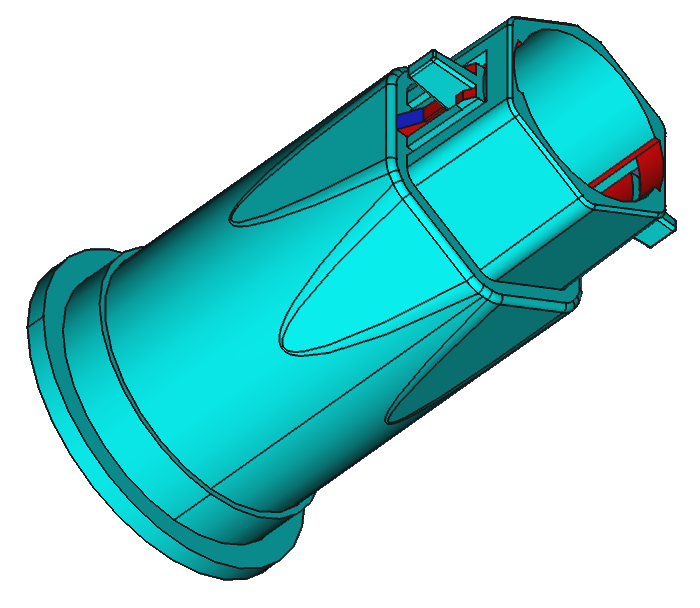 |
| N | Hold-down bracket | 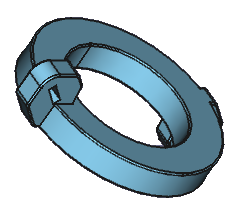 |
Motor Drive Installation
Mounting on the Shut-Off Valve
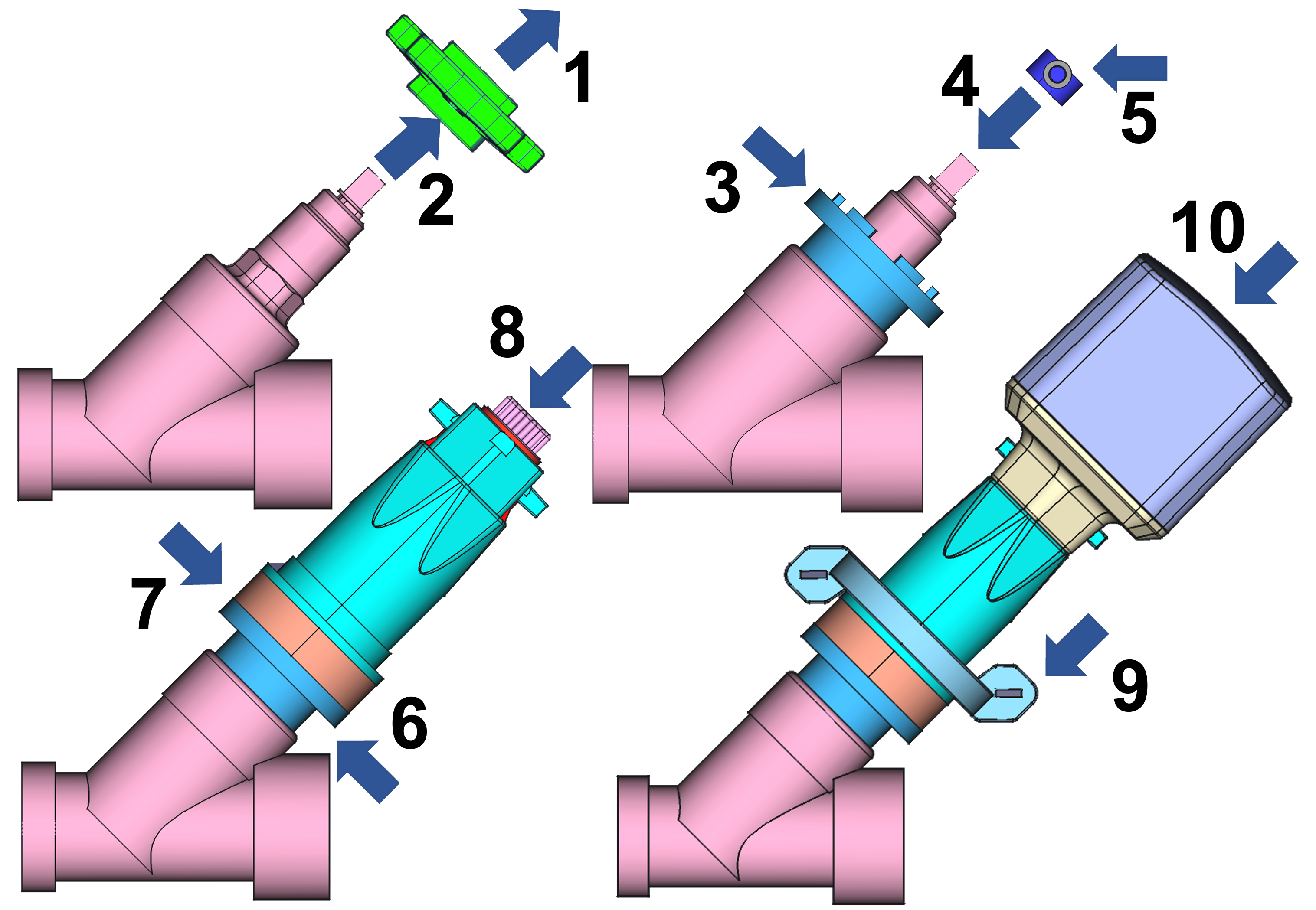
- Loosen the screw in the center of the hand wheel
- Remove the hand wheel
- Select adapter A1--A4 (M17, M22, M27, M30)
- Place ball bearing seat W1--W3 on the spindle (6x6, 7x7, 8x8 mm)
- Secure the ball bearing seat with a screw
- Add spacer rings D1/D2 if needed (12 or 24 mm, combinable to 26 mm)
- Place the enclosure on top
- Insert the inner coupler (transparent enclosure for visual verification)
- Secure the hold-down bracket around the pipe with cable ties
- Place the motor head on the enclosure
When placing the motor head, ensure that the gears mesh correctly. If there is resistance, slightly rotate the motor.
Wilhelm Ewe GmbH Valves
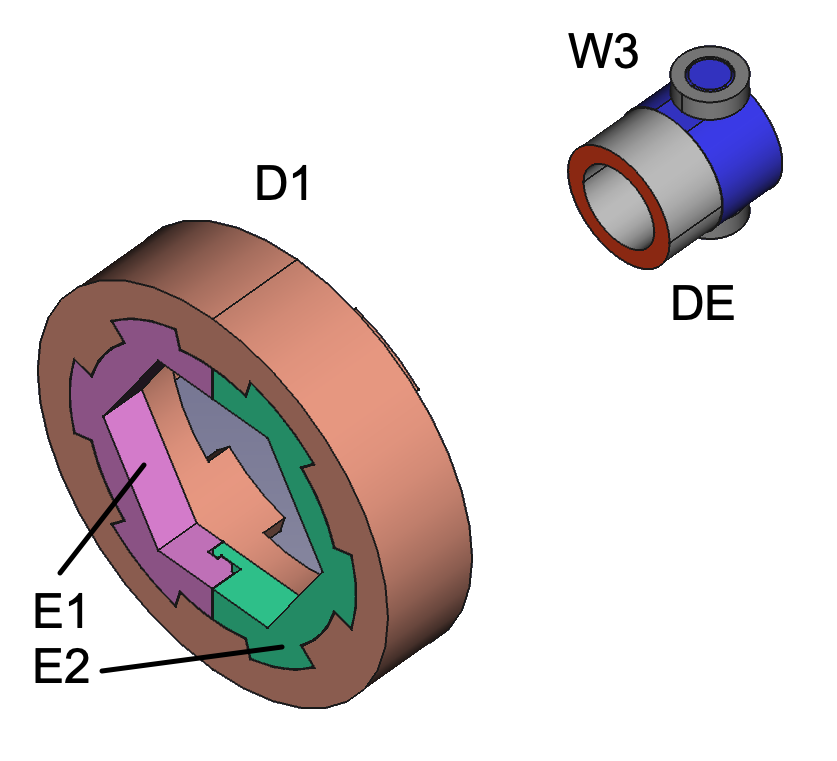
Insert the split ring (E1+E2) into the 24 mm spacer ring instead of an adapter. Place the small spacer ring (DE) under the ball bearing seat for the grease chamber.
Custom Adapter
If no suitable adapter is available for the valve seat, one must be custom-made. Select an adapter that fits over the valve seat and fill the gap with two-component epoxy (included with the motor):
- Cut a piece of the compound with a utility knife
- Knead until a uniform color is achieved
- Fill the gaps between the adapter ring and the valve base
- After the epoxy has cured, use the now precisely fitting adapter ring
The epoxy will adhere firmly to the valve. If this is not desired, lightly coating the valve with oil beforehand will help. The cured adapter ring can then be easily removed.
Similarly, a ball bearing seat can be adapted for a valve spindle smaller than 6x6 mm square. Please ensure that the spindle is fitted exactly concentrically in the ball bearing seat.
Setting the End Positions
After the motor is mounted and powered, it must determine the correct end positions for OPEN and CLOSE:
- Manually turn the valve to the OPEN position before mounting the motor for the first time. The optimal OPEN position is approx. 2 turns toward CLOSE after reaching the stop in the OPEN direction (counterclockwise).
- Power the motor.
- Press the button once briefly. The motor moves briefly in both directions and detects whether it is in the OPEN or CLOSE position. The LED color indicates the detected position.
- On the first CLOSE command (via button press or control command), the motor drives to the stop in the CLOSE position and then turns back very slightly -- this seal relief protects the rubber seal in the valve.
The motor must be in the OPEN position when first powered on so that the automatic calibration works correctly.
Enabling/disabling seal relief:
If the rubber seal has become brittle from prolonged closing or aging, the slight back-turn may lead to a leak. This function can therefore be disabled:
- Via the app: In the "Configuration" section (when paired with an internet-capable sensor)
- Via the button: Hold for 6 seconds (6x buzzer), then release
- 2x beep + 2x green LED = active (factory setting)
- 3x beep + 3x green LED = disabled
Once the end positions have been detected, the motor no longer drives hard against the end points but counts the revolutions and approaches the end points gently.
External Wired Water Sensor
An optional wired flood sensor can be connected to the device. There is a connector on the power cable at the motor. Remove the blue rubber plug and plug in the sensor. Press the connector with some force to ensure a waterproof connection.
When the sensor head detects water:
- An acoustic signal sounds
- The valve closes automatically
- The red LED blinks (alarm)
- An alarm message is transmitted via radio
Once the sensor head is free of water, the alarm can be cleared:
- Hold the button for 2 seconds, or
- Via radio (app or control signal)
The flood sensor can be extended with a 1.5 m extension ALIEXT01 (available in the shop).
On-Device Operation
The device has a single button with a built-in tri-color LED. To switch the valve, you can click the button or hold it for a few seconds. The motor beeps every second as a counting aid.
The device is designed for outdoor use and prevents malfunction from water drops on the button. Therefore, please press the contactless button firmly, even for a short click.
Button Operation
| Action | Function |
|---|---|
| 1× click | Toggle valve (open ↔ close). During an active alarm: acknowledge alarm (silence) |
| 2× click | Send status report |
| 3× click | Enter manual calibration |
| 6× click | Toggle gasket relief (2× beep + green = active, 3× beep + green = disabled) |
| 7× click | Skip / re-enable LoRaWAN network join |
| Click and hold | Move motor to the opposite position |
| Hold 2 sec | Deactivate alarm |
| Hold 4 sec | Announce current sensor mode (1× beep = leak detection, 2× beep = wire control) |
| 1× click, then hold 4 sec | Set sensor mode to Leak Detection (valve stays closed after sensor alarm) — factory default |
| 2× click, then hold 4 sec | Set sensor mode to Wire Control (valve reopens immediately after sensor alarm) |
| Hold 6 sec | Manual gasket positioning: short clicks jog the valve toward CLOSE, hold ≥ 1 sec to exit |
| Hold 10 sec | Reset motor to factory settings and reboot (10 beeps, then release). Only needed for mode change (LoRaWAN ↔ Direct ↔ sensor pairing) |
Manual Calibration
After 3× click the device is in calibration mode (LED cycles red → yellow → green):
- 1× click — motor takes one small step in the current direction
- 2× click — reverse motor direction
- Hold button — motor jogs continuously until released
- 3× click — save current position as OPEN and exit calibration
LED Signals
| LED | Meaning |
|---|---|
| Green slow blinking | Valve open |
| Red slow blinking | Valve closed |
| Red + green slow blinking together (yellow) | Button lock active |
| Red + green fast alternating | Motor running |
| Red fast blinking | Alarm (sensor triggered) |
| Red triple blinking | Error or rejected action (e.g. motor blocked, action while button locked) |
| Red + green solid (yellow) | Valve state not yet calibrated |
| Red + green very fast alternating | Manual gasket positioning active |
| Red → yellow → green cycling | Manual calibration in progress |
| Green very fast blinking | Calibration: possible OPEN position reached |
Connecting to a MATTER Controller
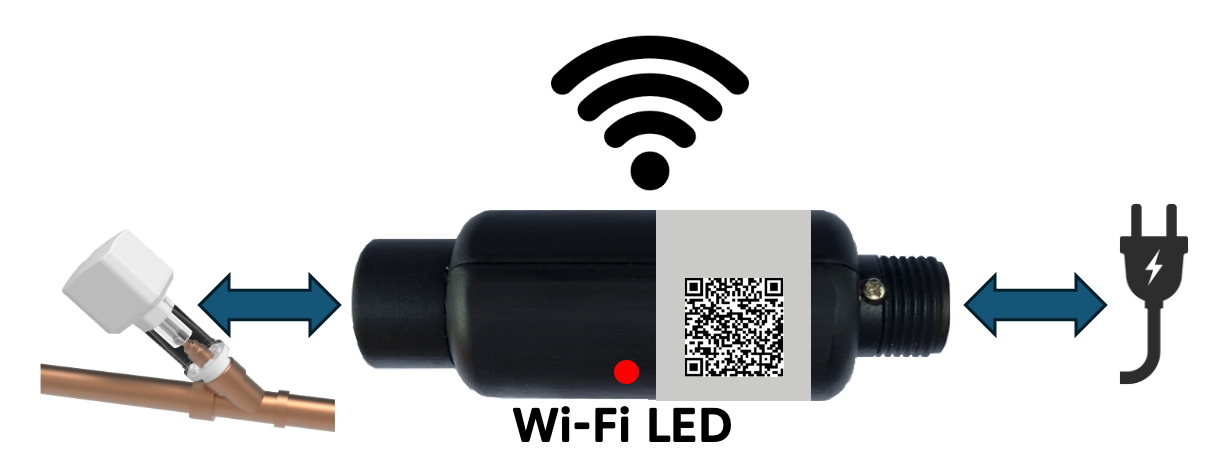
The Matter wireless connection is established through the Matter module, which is screwed between the power supply coupling of the motor.
- Scan the QR code on the Matter module
- LED blinks every 4 sec. -- pairing mode
- LED blinks every sec. -- pairing started
- Factory reset: hold button for 5 sec.
Scope of Delivery
- Motor with power cable (150 cm)
- 4x adapter rings (M17, M22, M27, M30)
- 3x ball bearing seats (6, 7, 8 mm)
- Spacer ring + split ring for Ewe valves
- Bracket + 2 cable ties
- Main enclosure + internal coupler
- 2x spacer rings (12 mm, 24 mm)
- External flood sensor
- Power adapter (150 cm)
- Replacement hand wheel
- 57 g epoxy resin
- User manual
Technical Specifications
Motor Drive
| Parameter | Value |
|---|---|
| SKU | KFRMAT01 |
| Speed | 15 rpm, max. 40 s open/close |
| Power | 10.95 W |
| Gearbox | 1:704, max. 4.5 Nm |
| Noise | <50 dB |
| Adapters | M17, M22, M27, M30 |
| Valve spindle | 58--135 mm |
| Pipe diameter | DN15--DN32 |
| Weight | 380--420 g |
| Dimensions | 70 x 170--195 mm |
| Motor | ~400 mA, standby ~50 mA (12V) |
| Protection rating | IP67 (power adapter IP20) |
| Operating temperature | -20 to +60 °C |
| Storage temperature | -30 to +70 °C |
| Minimum wall clearance | 35 mm |
| Vertical clearance | 175 mm above pipe diameter |
| Vibration | <10 dB |
Wireless Communication
| Parameter | Value |
|---|---|
| WLAN | IEEE 802.11 b/g/n 2.4 GHz |
| Protocol | MATTER |
| Compatible | Apple, Google, Amazon, Samsung, IKEA, WAGO, Home Assistant |